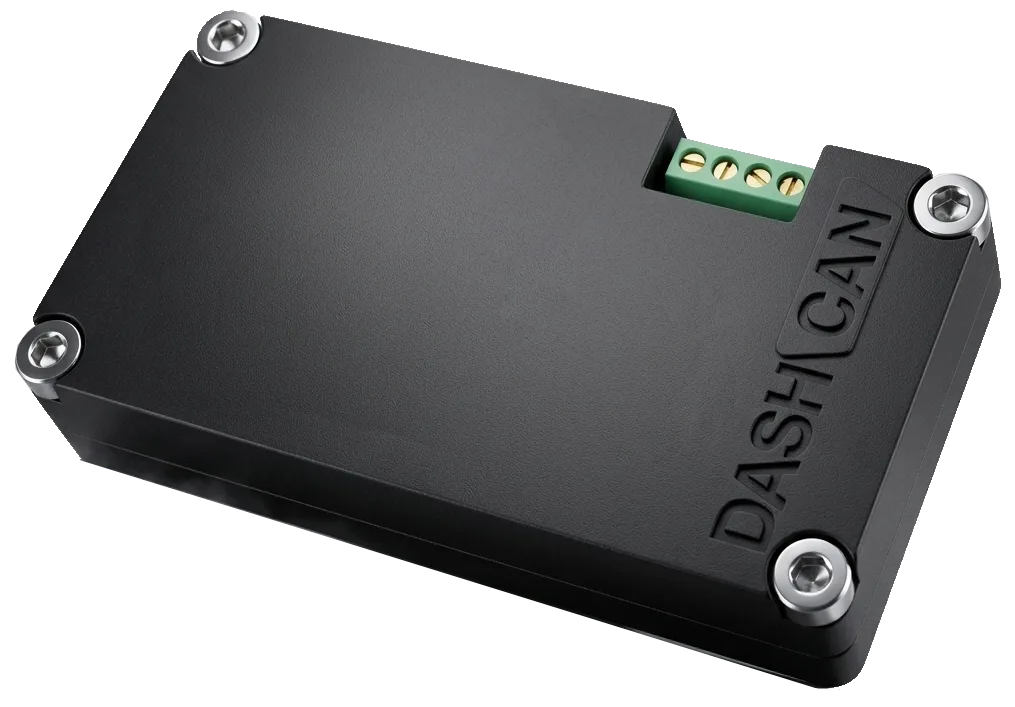
DashCAN Wire-In Interface
Your standalone ECU, live on your phone
DashCAN wires into your CAN bus and turns your phone into a customizable race dash: up to 20 live channels at 50 updates a second, full data logging, and CAN switches that control the car. No laptop in the passenger seat.
€79.90Preorder
Delivery in 5 to 10 daysFree shipping from €199.00, otherwise €20.00
Add to your order
- €9.00
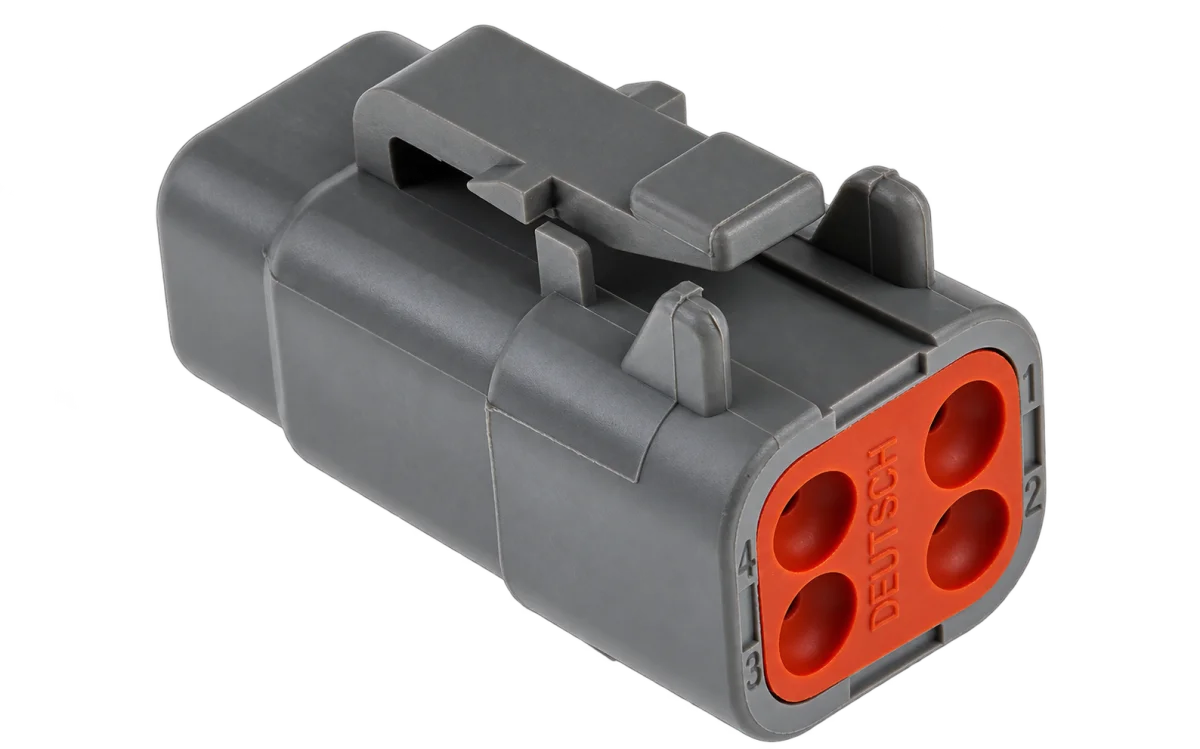
Expected to ship: 2026 November
- 14-day right of return
- 2-year warranty
- Ships internationally from the EU
Prefer plug-and-play? DashCAN OBD is the same interface with an OBD connector.
- Live updates
- 50/s
- Live channels
- 20
- CAN access
- Read + write
- Wireless
- Bluetooth 5 LE
High-speed CAN with switchable 120 Ω termination, 4-pin screw terminal, data logging with XLSX export. OBD2 over CAN (ISO 15765-4): 11-bit and 29-bit IDs at 500 or 250 kbit/s, detected automatically. iOS and Android.
Your phone becomes the dash
Every screen below is live CAN data in the free DashCAN app. Build your own layout, pick gauge styles and colors, then log everything you see.
Built for standalone ECUs
DashCAN is not a diagnostics dongle. It lives on the CAN bus your ECU already broadcasts on.
- Your ECU broadcasts CAN
- Built for standalone ECUs (like Ignitron) that stream data as custom CAN messages. Configure the broadcast once, DashCAN picks it up.
- You pick the channels
- RPM, MAP, lambda, oil pressure, EGT, gear: anything your ECU puts on the bus becomes a gauge on your phone.
- You want control back
- CAN switches write to the bus: race mode, launch presets, pit-lane limiter, all functions your ECU exposes, triggered from the screen.
- Clean custom install
- Four screw-terminal pins (power, ground, CAN high, CAN low) wire straight into a race loom. No adapter, no OBD port required.
Not another OBD dongle
A generic ELM327 dongle asks the car polite diagnostic questions. DashCAN reads the raw stream your ECU is already sending, and can talk back.
Generic ELM327 dongle
- Polls a handful of OBD-II diagnostic PIDs, a few times a second
- Factory-defined parameters only
- Read-only, cannot switch anything
- Standalone ECUs usually do not answer OBD-II requests at all
DashCAN interface
- Listens to raw CAN frames at full bus speed
- Any channel your ECU broadcasts: 20 at once, 50 updates a second
- Writes too: CAN switches trigger real functions in the car
- Built for standalone ECUs from day one, and speaks OBD2 when the car is stock
Stock car? OBD2 works too
Wire CAN high and CAN low to pins 6 and 14 of the car's diagnostic port, set the protocol to OBD in the app, and DashCAN asks the factory ECU for standard live data. The car answers one request at a time, so the channels share its reply rate: expect fewer updates a second than from a standalone ECU broadcast, and more with fewer gauges.
Supported
- ISO 15765-4 (OBD2 over CAN), used by most cars sold in the EU and US from around 2008
- 11-bit and 29-bit CAN IDs at 500 or 250 kbit/s. DashCAN finds the right variant by itself, no setup
- Standard SAE J1979 live data (service 01): RPM, speed, coolant, intake air and oil temperature, throttle, engine load, MAP, ignition advance, battery voltage, lambda, short and long term fuel trim, fuel pressure and ethanol content
- The app asks the car which of these it supports and only offers those as gauges
- Live gauges, logging with XLSX export and video overlays, same as with a standalone ECU
Not supported
- Older non-CAN OBD2 protocols: ISO 9141-2 and ISO 14230 KWP2000 (K-line), SAE J1850 PWM and VPW. These are common on cars built before about 2008
- Reading or clearing fault codes, and manufacturer-specific channels (service 22)
- CAN switches: on a factory ECU DashCAN only sends standard diagnostic requests
Setup in four steps
The full guide with pictures and the per-ECU settings is on the First Steps page.
1
Connect it to the car
Wire the four screw terminals into the loom: switched 12 V, ground, CAN high and CAN low.
2
Enable the CAN broadcast in your tuning software
Each ECU has a short guide with the exact settings and pins. Ignitron users import two ready-made files.
3
Install the free app and pair over Bluetooth
iOS or Android. Grant the permissions the app asks for, then pair the interface.
4
Pick your ECU in the app
The channels show up live. Build your layout, then drive.
Works with
Ignitron ECU, ECU Master EMU, ECU Master EMU PRO, Emtron (needs the Apex), Haltech (needs the Apex), Hondata, MaxxECU, MegaSquirt, MoTeC (needs the Apex), rusEFI, Speeduino, Syvecs (needs the Apex), VEMS (needs the Apex), and any other ECU that can broadcast custom CAN messages.
This interface runs at a fixed 500 kbit/s. Emtron, Haltech, MoTeC, Syvecs and VEMS broadcast at 1 Mbit/s, which only the DashCAN Apex can read.
Which DashCAN is right for you?
Same app, same live data. Pick by how you connect, and whether you want lap timing built in.
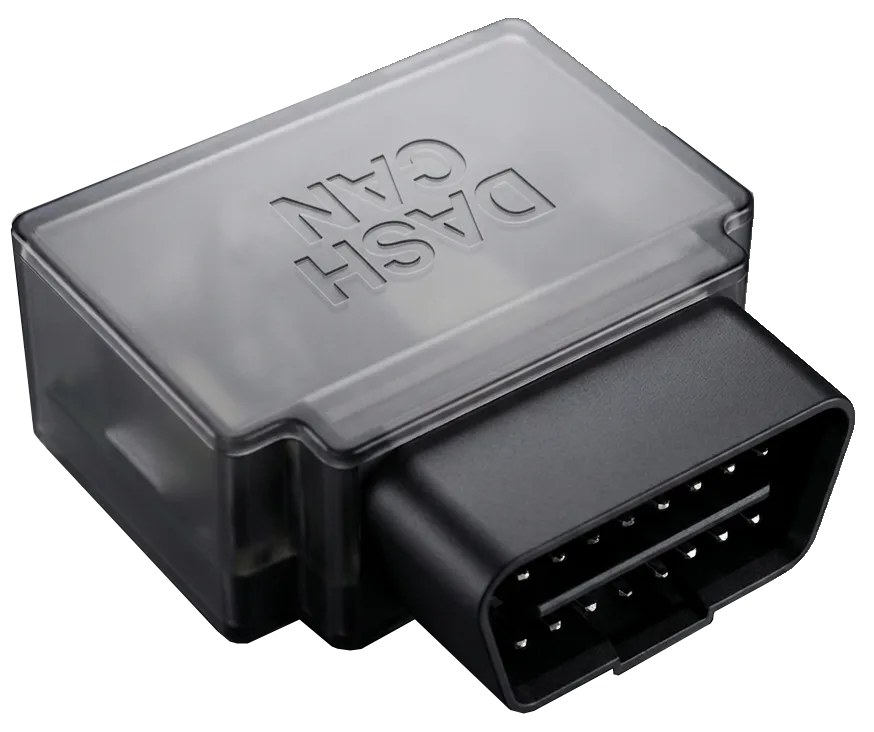 You have an OBD portDashCAN OBDOBD connectorPlug in and drive. Moves between cars in seconds.
- No OBD port, or a race loomDashCAN Wire-InThis pagePermanent installs and custom looms, wired straight into the CAN bus.
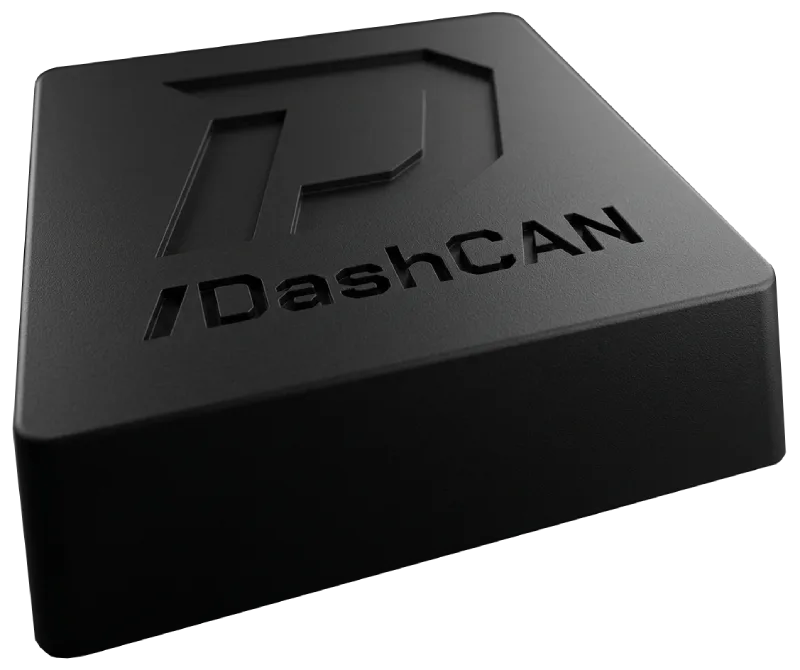 You also want lap times and G-forcesDashCAN ApexGPS + IMU + CANTrackdays: lap times, G-forces and CAN data in one time-aligned log, analyzed on DashCAN Cloud.
Wire it in once, and every drive after that is data.
Closed-course use only. DashCAN products are intended solely for closed-course competition and motorsport use and are not type-approved or certified for use on public roads. Use them lawfully and safely, and do not operate the app while driving. See our Terms & Conditions for full details.